Productivity apps don't make you productive - removing friction does. The trap most roundups fall into is listing 25 apps that overlap, leaving you to install all of them and get slower. This guide is organized by the specific friction each app removes, so you can assemble a small, complementary stack and stop there.
Friction: launching and switching things
Raycast
FreemiumLaunch apps, manage windows, expand snippets, run scripts and search your clipboard from one keystroke. It removes a hundred tiny daily frictions and the free tier is excellent.
Visit website↗
Paste
FreemiumIn our directoryThe Best Clipboard Manager for Mac, iPhone, and iPad
Unlimited, searchable clipboard history with pinboards. The friction it kills: re-copying, re-finding and re-typing the same things all day. Syncs privately across your devices.
View on SuperMacApps→Friction: staying focused
One Thing
FreeIn our directoryPut a single task or goal in your menu bar
Pins a single task to your menu bar. When your one priority is always in view, the friction of re-deciding what to work on disappears. Free and native.
View on SuperMacApps→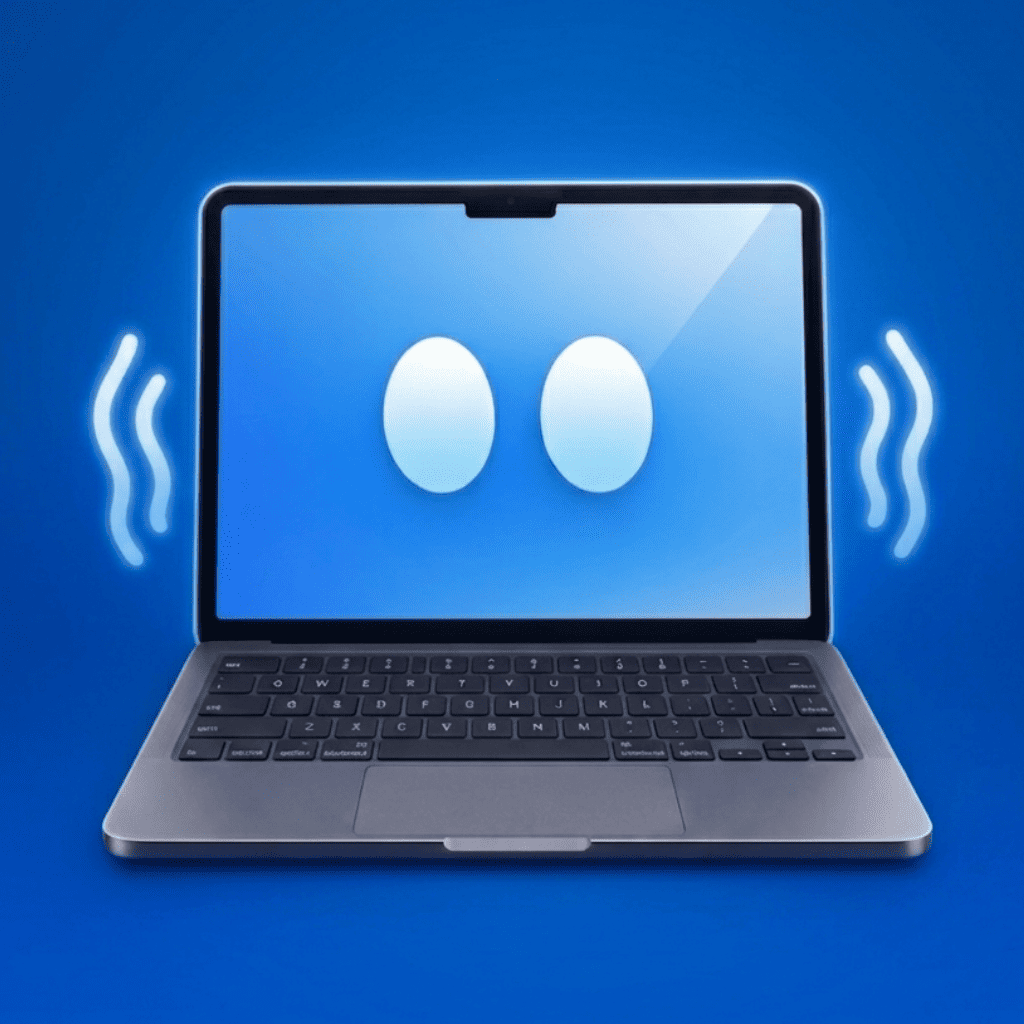
IdleMac
PaidIn our directoryYour Mac Knows When You're Slacking
A menu-bar accountability buddy that notices when you've wandered off and nudges you back. A playful fix for the friction of silently drifting away from deep work.
View on SuperMacApps→Things 3
PaidAn award-winning, Apple-exclusive task manager that prioritizes clarity and speed. The best home for everything you've committed to do.
Visit website↗Friction: meetings and notes
Granola
FreemiumIn our directoryThe AI Notepad for back-to-back meetings
Real-time meeting transcription with no bot, plus AI that turns your rough notes into a clean summary. Removes the friction of writing notes while also trying to pay attention.
View on SuperMacApps→
MacWhisper
FreemiumIn our directoryQuickly transcribe audio files into text on your Mac
On-device transcription for interviews, voice memos and lectures. Turn audio into searchable text without sending anything to the cloud.
View on SuperMacApps→
HoldSpeak
PaidIn our directoryType 3x faster with AI powered voice-to-text
Dictate into any app at ~3x typing speed, offline. The friction it kills: the keyboard itself, for long-form drafting and replies.
View on SuperMacApps→Friction: time and attention
Rize
FreemiumAutomatic time tracking that categorizes your apps and sites with high accuracy and zero manual input - so you can see where the day actually went.
Visit website↗Fantastical
FreemiumA calendar with natural-language event entry and a beautiful menu-bar agenda. Removes the friction of scheduling and seeing what's next.
Visit website↗Friction: your body (the one nobody lists)
LookAway
FreemiumIn our directorySmart Screen Breaks, Blink & Posture Reminders for Mac
Adaptive screen breaks, blink and posture reminders. Most productivity lists ignore that burnout and eye strain are the biggest long-term productivity killers. This one quietly protects your ability to keep working.
View on SuperMacApps→Build a stack, not a museum
- 1Move fast: Raycast + Paste.
- 2Stay on track: One Thing for today's focus, Things 3 for the backlog.
- 3Meetings handled: Granola for notes, MacWhisper for recordings.
- 4Sustain it: LookAway so you can do this every day without burning out.
💡 The meta-tip
Adopt one new app at a time and use it for a week before adding the next. A stack you actually use beats a folder of 20 apps you opened once.
What's the best all-round productivity app for Mac?+
Raycast, for most people. It collapses launching, window management, clipboard and snippets into one free tool that immediately reduces daily friction.
How many productivity apps should I actually use?+
Fewer than you think. A launcher, a clipboard manager, a focus tool, a task manager and a notes/meeting tool cover almost everyone. Adding more usually adds overhead, not output.
Do native Mac apps really perform better?+
Yes - native Apple Silicon apps use Metal and SwiftUI for snappier interfaces and better battery life than cross-platform equivalents, which matters when the app runs all day.